|
Ultra Analog Masterclass: Trip-Hop
This time, we'll look at some programming techniques useful for Trip-Hop music. Besides the reverberant lo-fi guitars, snares and spacey piano riffs, some of the most interesting sounds are the noise artifacts used extensively in this genre. Before we begin our quest to capture these chirps, whooshes, hisses, crackles etc., listen to the phrase-demo to get a sense of what follows. You can download the presets for this masterclass from the User Library.
Phrase Demo (2.5MB MP3)
- Theremin Trip
Having been a hallmark of sci-fi and mystery movies of yesteryear's, the bewitching sound of a Theremin has also found a new home in some Trip Hop productions, as pointed by the phrase-demo above. While "near" skilfulhands, the Theremin emits some of the prettiest melodies despite being terribly difficult to control.
Today we'll begin by looking at some features of Ultra Analog that are helpful in programming Theremin emulations. So first of all, load the "Generic BassLead" patch from last month's masterclass and turn off all the effects for the time being.
To mimic the behavior of the player's left hand (which controls the amplitude), set the Attack and Release knobs to around 3 o'clock for Amp Env 1, and engage its Legato switch which prevents re-triggering of the envelope while you're already holding down a key. Use LFO 1 (set at rand2, maximum Rate) to randomly modulate the Level parameter of Amp 1 by turning up the LFO1 knob on Amp 1. This takes care of the subtle wavering of the player's hand while controlling the Theremin's amplitude.
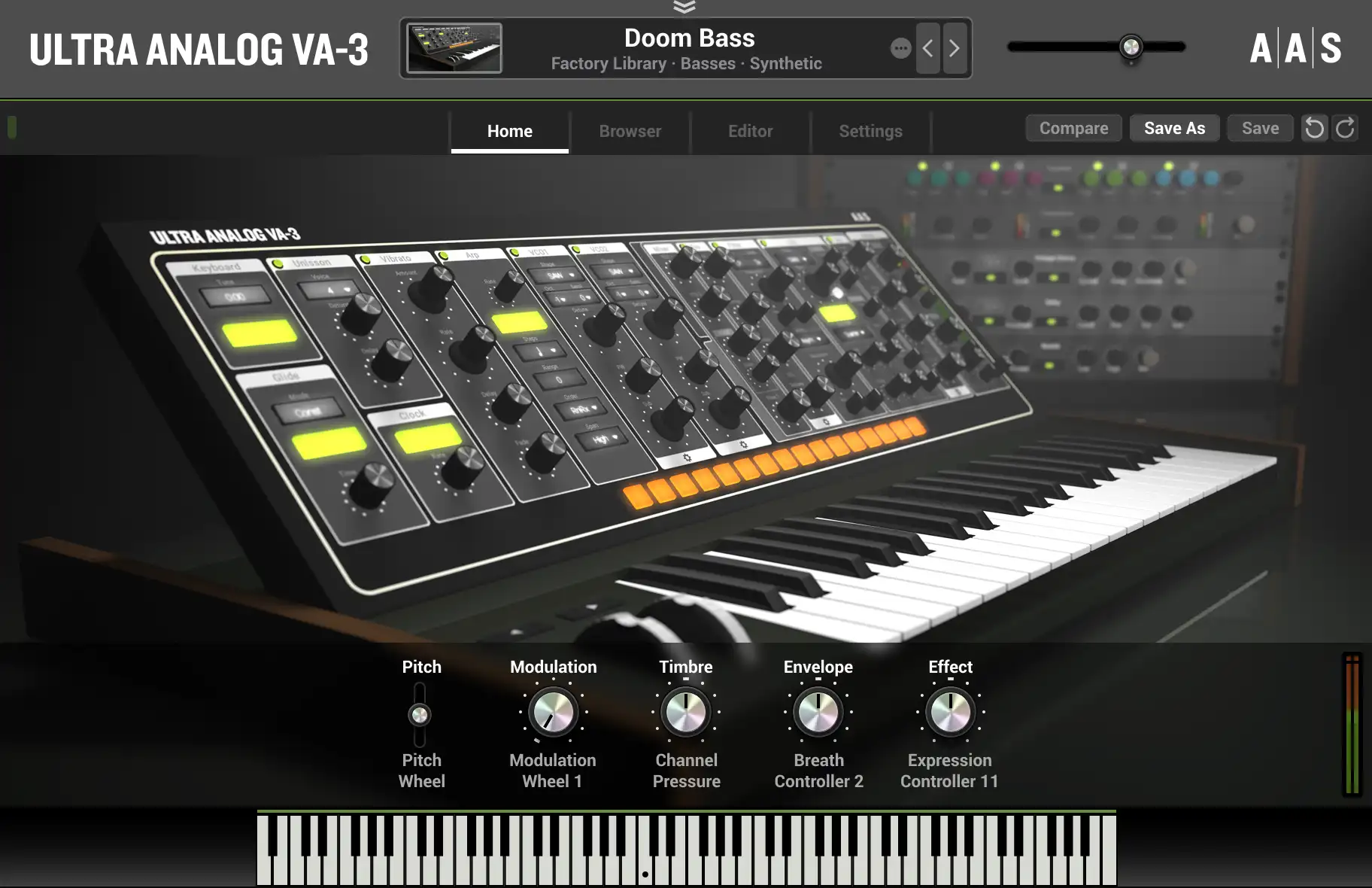
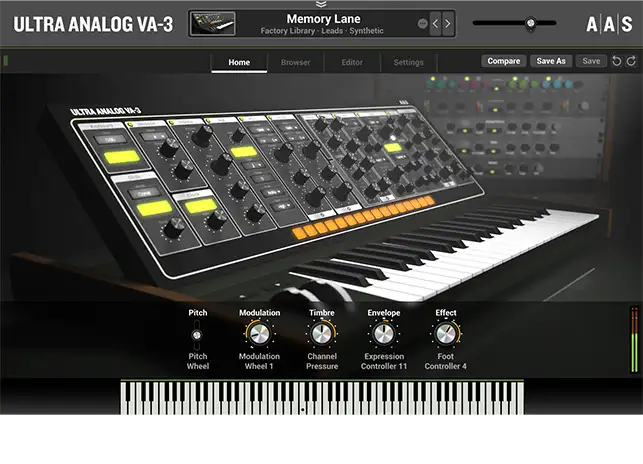
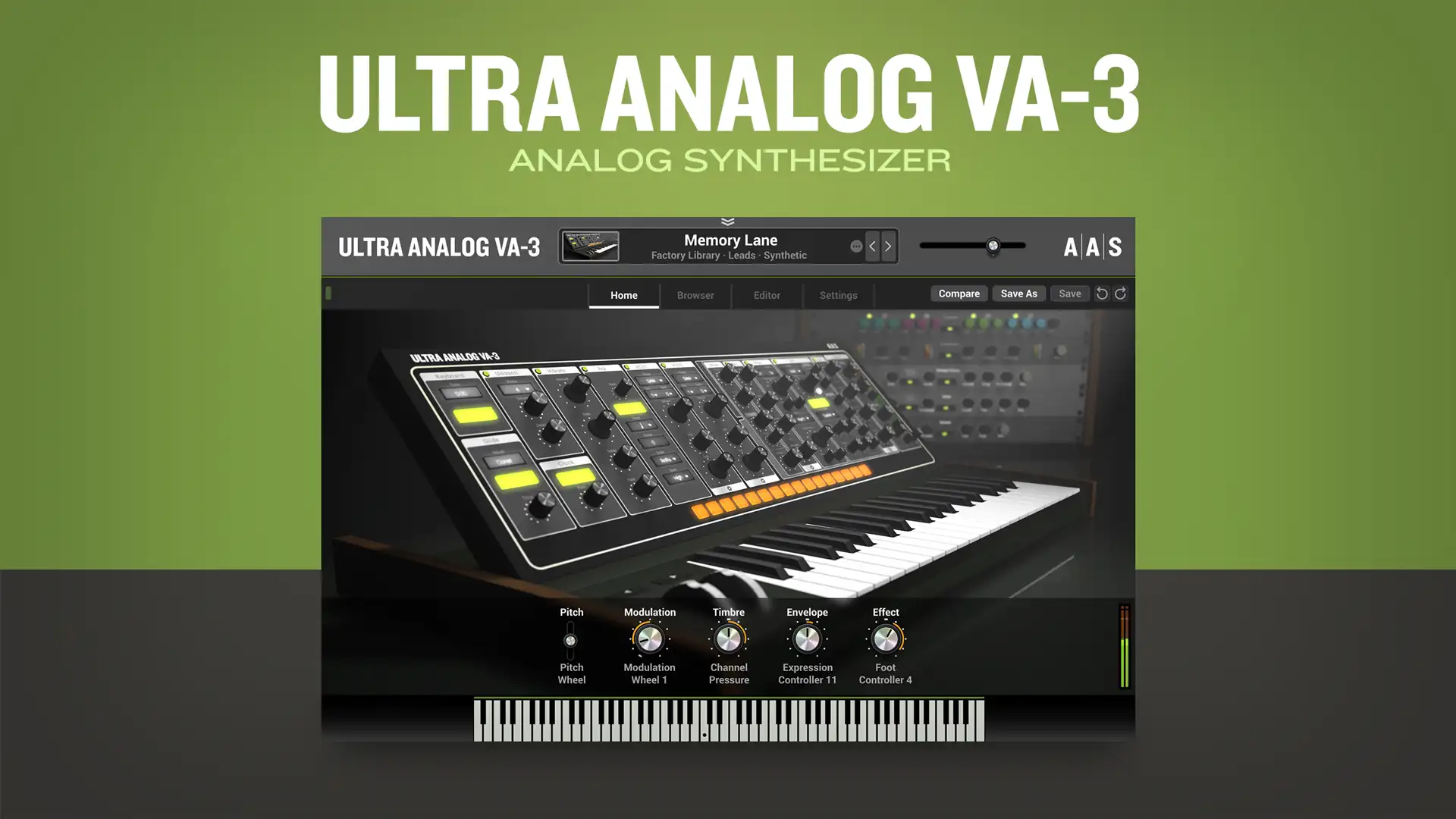
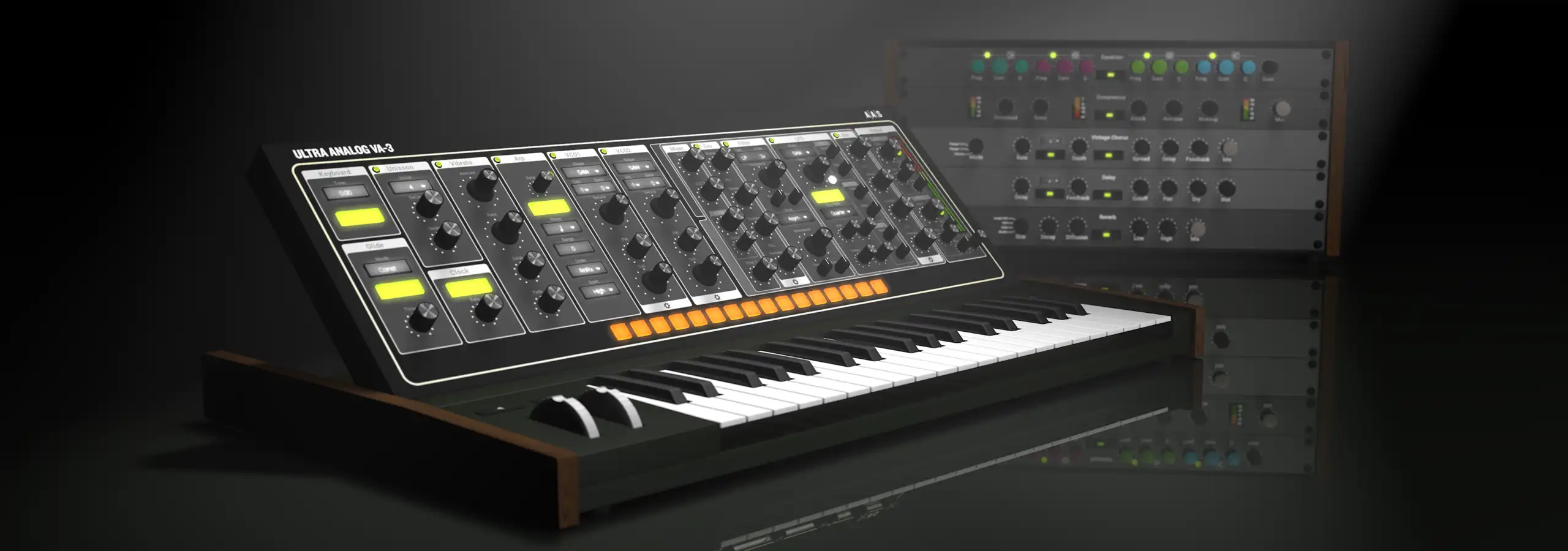
Now take a moment look at the column of gray-colored modules on the left hand side of Ultra Analog. This is where the rest of the magic will be programmed.
Raise the Time knob to around 3 o'clock on the Portamento module and leave the Legato switch disengaged.
To imitate the other characteristics of the right hand of the player (which controls pitch), turn on the Vibrato module and set its Rate and Amount knobs to around 12 o'clock, and Fade and Delay knobs to 9 o'clock. This copies the instability of the player's hand again, but in the context of pitch this time.
Notice that the mode on the Keyboard module is already set to Mono, which is fine because we're dealing with a monophonic instrument. While we're here, turn up the Detune knob to 9 o'clock and Stretch knob to 3 o'clock. This helps us break away from the framework of equal temperament and the patch behaves more like a real Theremin, which theoretically has an infinite number of gradations between two adjacent notes.
Finally, to humanize this model even further, crank up the Error knobs present on the Keyboard and Vibrato modules which add a random 1/f noise signal to various parameters pertaining to these modules to bring about more liveliness. Adjust the filter settings and effects as per taste, and compare your results with the the audio file below.
Theremin Trip (0.2MB MP3)
- Basic Vinyl Click
We'll now synthesize a click type sound using Channel path 1 (the top two rows of modules). First, switch off all modules except Oscillator 1, Filter 1 and Amp 1 and set these three to their default states using their menus commands. Set the shape of Oscillator 1 to rectangular waveform and transpose it as low as possible by setting Octave to -3 and Semi to -12. Notice the periodic pulses that are heard when you play the lower keys, and a buzzy timbre while playing the higher keys.
Set Filter 1 to be a bandpass filter with its Cutoff knob at 1 o'clock position and its Kbd tracking knob centered (green LED is lit). Set the Q knob to 12 o'clock with its Kbd tracking at center position as well, and the inverting LED engaged. These steps ensure that the center frequency of the bandpass filter moves exactly to the frequency of the note you play on the keyboard, and additionally, the filter becomes less resonant as we progress towards the higher keys thereby preventing self-oscillation (ringing) of the filter in the higher keys.
Finally, engage Amp Env 1, and zero all its knobs except the Decay knob, which should be around the 9 o'clock position. You should now be hearing clicks when you play the keyboard. This is quite a basic sound and can be molded to achieve quite interesting effects. Try changing various settings of the involved modules and then check out the patches below which are based on the same principle.

Velocity Noise Clicks (0.3MB MP3)
Aggresive Vinyl (0.3MB MP3)
- Vinyl Noise Sequencer
Here's an all-purpose noise maker that saves you the trouble of actually sampling vinyl artifacts. Different keys across the keyboard make different kinds of noises associated with old vinyl records. When you press a key and release it, its sound lingers on. You can thus mix and match the tones produced by various keys to get an ambient noise loop - the kinds of which are commonly heard on Trip Hop records. If you choose the associated Midi Link, you can create fade-ins and fade-outs using the Mod wheel. The easiest way to utilize this patch it is to create a combination you like, record it within UA, and finally import it within your host.


Vinyl Sequencer (0.4MB MP3)
- Bonus Patches
Here are sound examples of the bonus patches.
Wonder Synth Bass (0.2MB MP3)
Wiry Synth (0.3MB MP3)
Tremo Trip Guitar (0.4MB MP3)
Spook Wave EP (0.2MB MP3)
Space Cats (0.2MB MP3)
Slinky Synth (0.3MB MP3)
Noise Snare (0.1MB MP3)
Kick (0.1MB MP3)
Reso Hi-Hat (0.1MB MP3)
Emotive Smooth Pad (0.7MB MP3)
Elysium Radio Guitar (0.3MB MP3)
Cyber Monsoons (0.5MB MP3)
Chord Chucks (0.2MB MP3)
Bassa Akoustika (0.3MB MP3)
Conclusion: Now grab a few vocal and string samples (or String Studio!) and you're all set for your next Trip-Hop arrangement using Ultra Analog! So until next time...
Yours sonically, Gautam
|
|