Ultra Analog Masterclass: Drum'n'Bass

This article will discuss synth programming techniques useful for drum'n'bass and related genres. Listen to the phrase demo for an idea of what you'll be learning through this masterclass. As before, we'll gradually progress from the simplest possible sounds to more elaborate patches. You can download all the presets of this masterclass in the User Library.

Phrase Demo (1.8MB MP3)

  • Generic BassLead
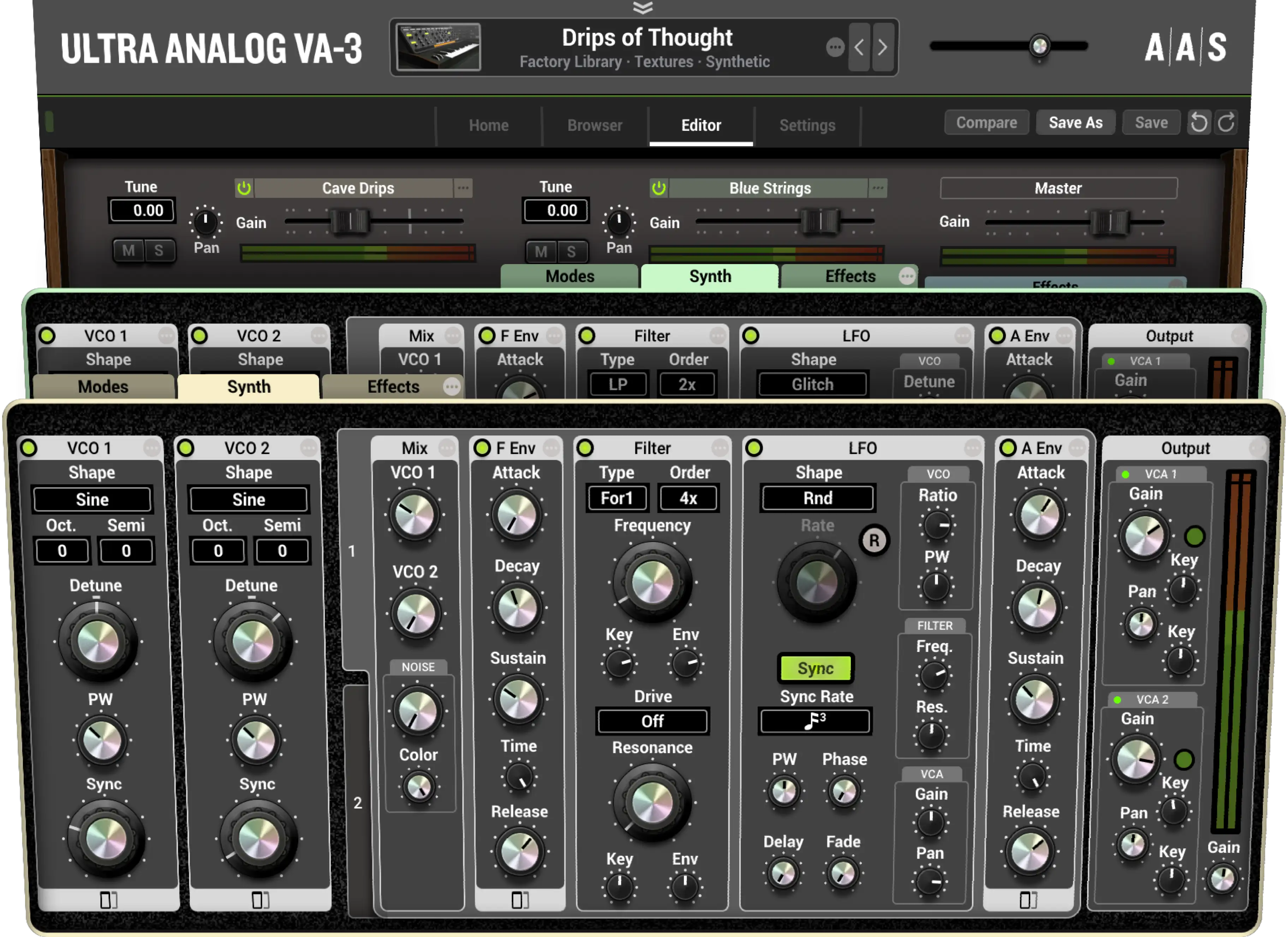
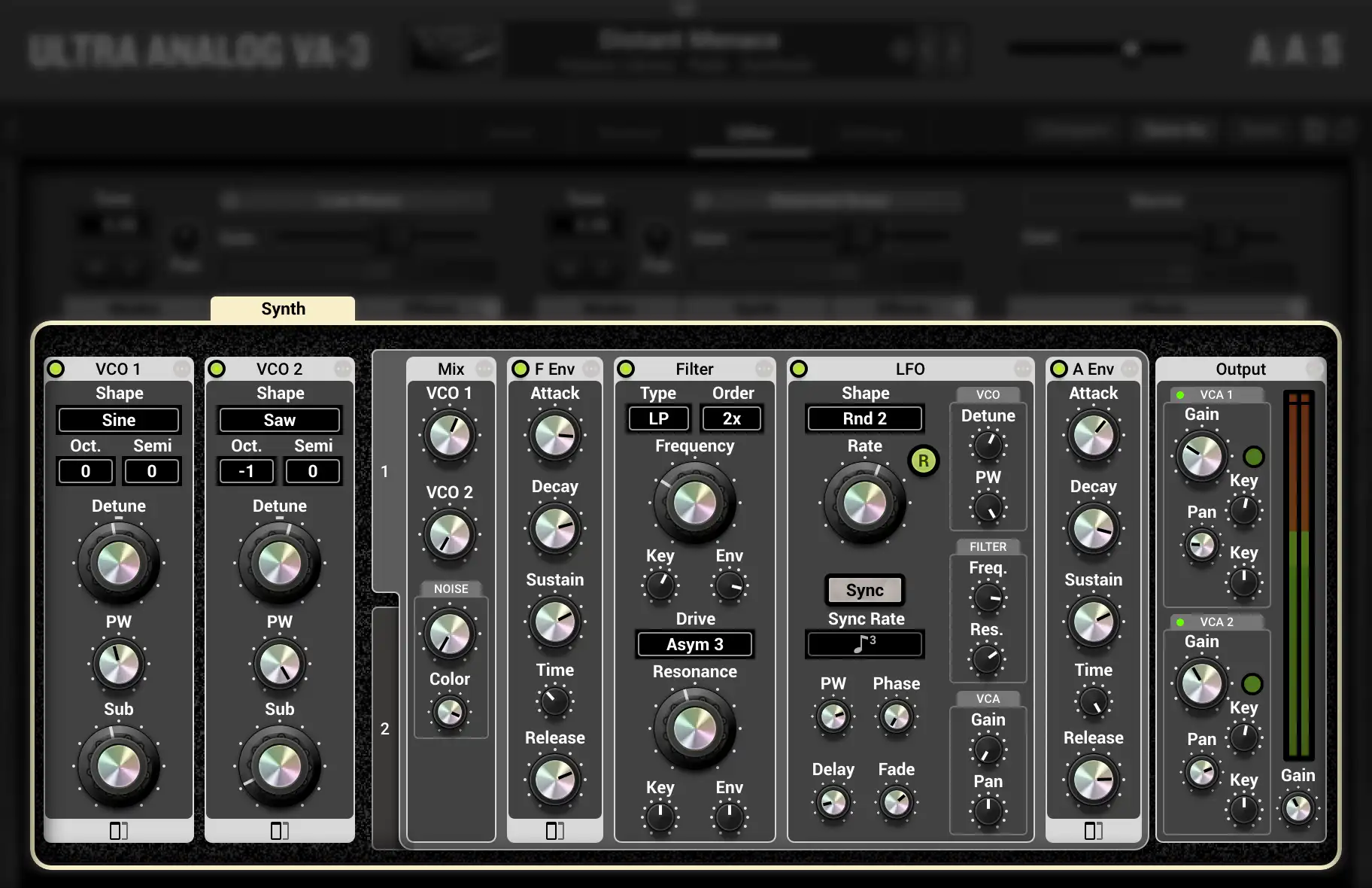
    The anatomy of a typical subtractive bass/lead is very similar to that of the generic pad described in last month's masterclass: Pads. Follow the steps there and create a generic pad. The basic difference between a pad and a lead is that the attack and release times for loudness for the latter are fairly short. So go ahead and set the A (Attack) and R (Release) knobs on Amp Env 1 near the minimum position. By now, your patch should sound somewhat like a lead. You might want to transpose your keyboard down an octave or two for bass. Experiment with the filter settings and compare your results with the audio demo for this patch. While you're at it, listen to the patches Flying Deuces, Jade Runner Pad, and Jungle Fretless which are further developments of the Generic BassLead.

    Generic BassLead (0.3MB MP3)
    Flying Deuces (0.2MB MP3)
    Jade Runner Pad (0.4MB MP3)
    Jungle Fretless (0.3MB MP3)

  • TeeBee
    It is quite common to hear emulations of Roland TB series synths in drum and bass music. Most of these sounds can be programmed quite effortlessly on Ultra Analog. Start with the patch above and set Filter 1's Cutoff and Q knobs to 2'o'clock position. Turn the Env1 knob of the cutoff to its center position and engage the inverting LED. This will invert the effect of the incoming control signal from Filter Env 1.

    Now, on Filter Env 1, set the S (sustain) knob to 0, and the A (attack) and D (decay) knobs to 2'o'clock as well. This will cause the attack and decay times of the filter envelope to be approximately 2 seconds each. Due to the inverted relationship between the filter's cutoff and the filter envelope, when the control signal from the envelope rises, the filter's cutoff falls, and the opposite is also true. You can set the AD segments of the filter envelope to loop for a cyclic filter sweep. Compare your results and also listen to patches TeeBee Or Not TeeBee, The Leader, Wormillion which are based on the TeeBee patch. Remember to load the respective MidiLinks as you try out the various patches. The initials 'MW' after a patch name signify that the mod wheel has been mapped to control something within the preset.

    TeeBee (0.2MB MP3)
    TeeBee Or Not TeeBee (0.3MB MP3)
    The Leader (0.2MB MP3)
    Wormillion (0.2MB MP3)

  • Scum Bass
    Ultra Analog's modules are physically modeled and are so clean that sometimes one has to try pretty hard to make it sound dirty. Even the distortion features available on the filters are sometimes not enough for the dirt and grit required for some genres of music. So you ask, is using an external distortion plug-in from your host sequencing environment, the only way out? Well, you could certainly do that, if you have too many CPU cycles to spare, but there's a mean shortcut that will quickly give us the desired results. Simply crank up the Level knobs for Amp 1 and Output modules all the way up, until the meters in the output module hover near the yellow and red area. This will overload Ultra's digital-to-analog converters (DACs) and would cause a lot of harsh distortion. The purists would definitely look down at this phenomenon, but hey, it works for our purpose!

    Use the Generic BassLead patch as a starting point, lower Filter 1's cutoff a little, and add distortion to the sound as described here. Compare your results and listen to DnB Quick Bass, DnB Vertigo Bass, George Of The Jungle and DnB Beat Maker that implement distortion in this manner.

    Scum Bass (0.4MB MP3)
    DnB Quick Bass (0.3MB MP3)
    DnB Vertigo Bass (0.2MB MP3)
    George Of The Jungle (0.2MB MP3)
    DnB Beat Maker (0.6MB MP3)

  • Diminishing Returns
    Special effect sounds are an integral part of many new musical genres. They often occur at rhythmic junctures where you'd normally hear a drum fill in a pop song. Despite the fact that they can sound complex and intriguing, they are quite easy to program.

    Load the Generic BassLead patch, switch off the Filter 1 module and set the shape of Oscillator 1 to sine. When you play a note on your controller keyboard, you should hear a steady-state sine tone. Let us add a continuous trill in the pitch of Oscillator 1. This can be done by switching on LFO 1, setting its shape to Rect, and the Rate knob near 3'o'clock. Engage the Reset button on LFO 1 so that each time you hit a key, the phase of the LFO is reset and therefore, you always hear a consistent trill in Oscillator 1's pitch. Remember to raise the LFO1 knob on Oscillator 1 to be able to hear pitch modulation due to the LFO.

    While this sound is more dynamic than what we began with, it still doesn't qualify to be called a special effect. So as a final step, we'll add another sonic dimension by adding a simultaneous glissando to this sound. On Oscillator 1, turn up the Amount knob to 4'o'clock and the Time knob above it to a 1'o'clock to create a long glissando for each note you play. You might want to toggle LFO 1 on and off sometimes, in order to individually hear the two effects going on in this patch. Add some delay and reverb and your special effect is ready. Patches Glitterati and As The Crow flies use this model.

    Diminishing Returns (0.2MB MP3)
    Glitterati (0.2MB MP3)
    As The Crow Flies (0.4MB MP3)

Conclusion: Ultra Analog is a versatile synth and can easily generate all those sounds you hear in famous and classic synths. With a little attention to programming details and a whole lot of creativity, you can use it to suit any musical genre. Hopefully, you'll have lots of fun implementing the ideas discussed in this masterclass. So until next time...

Yours sonically,
Gautam

User Library

AAS Newsletter

Email Address