FR | EN


By skimming through this guide you shall find tips, usage notes, as well general and specific information that will help you get the maximum out of Oh My Funkness! and Strum Electric GS-1. Read on...

The funk sound

Here are some tips on how to get a funky guitar sound.

Guitar

The funk guitar sound is usually bright and short. Strum Electric GS-1 has several of these sounds in its preset library. In the Styles folder, the Funk and Pop Rock guitars will work great. In the Bare Guitars folder, the Strat and Tele guitars will work great too.


Pre-Fx

One of the most recognizable effect in funk is the Wah Wah. Strum Electric GS-1 has two flavours on offer: Wah Wah and Auto Wah.

The Wah Wah works pretty much the same way a regular Wah Wah pedal works except that the pedal movement is done by a LFO. Sync values between 1 (a quarter note) and 4 (a measure in 4/4) sound good. Adjust the Freq and Depth parameters to taste. You can also ride the Wah Wah manually by automating the Freq parameter and setting the Depth parameter to zero.

With the Auto Wah, the frequency of the band-pass filter is modulated by the envelope of the input signal. Setting the controls to their 12 o'clock position produce good results.

Post-Fx

A small dose of chorus, flanger, or phaser can introduce subtle movement and color to the loops. Try it out!

External rigs

If you are really into electric guitar, you may have your own set of guitar processing plug-ins. You may even own an amp and do some re-amping. To facilitate this, Strum Electric GS-1 includes several DI guitars where the amplifier and effects are all bypassed. You shall find them in the DI Guitars folder of the Browser. Fire them up and find the one you like.

Playing style

Load up the Funk playing style from Strum Electric GS-1's Browser. Go ahead and adjust the Chords's Playing Position; some position may provide better results. For best results, make sure the +1 Oct. button is Off in the bottom section of Strum Electric GS-1's interface.

General information on the loops

The loops are divided in ten songs, each with its own tempo, time signature, and key. Here's the list.

  1. Wind On Fire / 116 BPM, 4/4, F#m
  2. Alternative Funk / 94 BPM, 4/4, A7
  3. British Underground / 125 BPM, 4/4, Gm
  4. Off One / 100 BPM, 4/4, Bbm
  5. Fast Frenetic 70s / 126 BPM, 4/4, Gm
  6. Melodic 70s / 100 BPM, 4/4, Cm
  7. Modern 80s / 106 BPM, 4/4, Eb
  8. Romantic 90s / 95 BPM, 4/4, B
  9. Retro Upbeat 90s / 120 BPM, 4/4, D7
  10. 3 by 4 Funk for a while / 108 BPM, 3/4, Dm

Naming convention of the MIDI files

Here are some examples of the MIDI file names that you will find for the loops as well as the conventions used.

  • S1 Loop 1 Gtr1 A Chords
  • S2 Loop 1 Gtr1 A Chords
  • S2 Loop 2 Gtr1 A Chords
  • S2 Loop 2 Gtr2 A Chords
  • S2 Loop 2 Gtr2 B Chords
  • S2 Loop 2 Gtr2 B No Chords

S1, S2, S3, ...

This prefix refers to the song. For instance, S2 is Alternative Funk.

Loop 1, 2, 3, ...

The 'Loop #' refers to an arrangement block. For instance, Loop 1 could be a verse while Loop 2 a chorus. Feel free to use them in any way you want.

Gtr1, Gtr2

Gtr1 is the main guitar. Gtr2 is a second guitar that can be played along the main guitar.

A, B, C, ...

Each letter refers to a variation of the same loop.

Chords, No Chords

Each loop is available in two versions: Chords and No Chords. Loops with the Chords suffix contain both the strumming and the chords; they make great previews so you get the feel of the groove. Loops with the No Chords suffix simply contain the strumming keys; these make it easy to overdub your own chords on.

Loop components

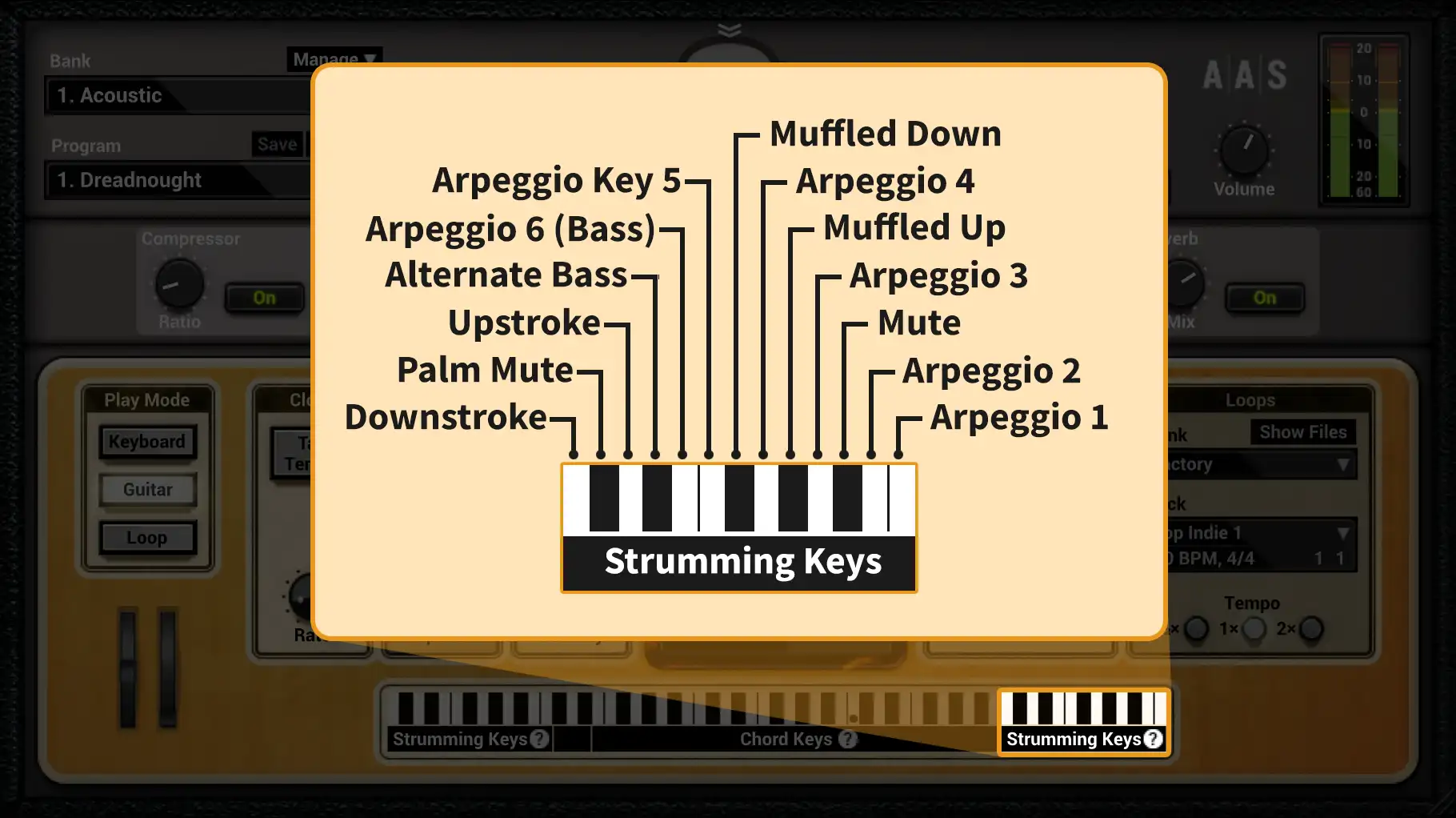
Each loop contains three groups of notes: the strumming keys, the lead and chord keys, and the override keys.

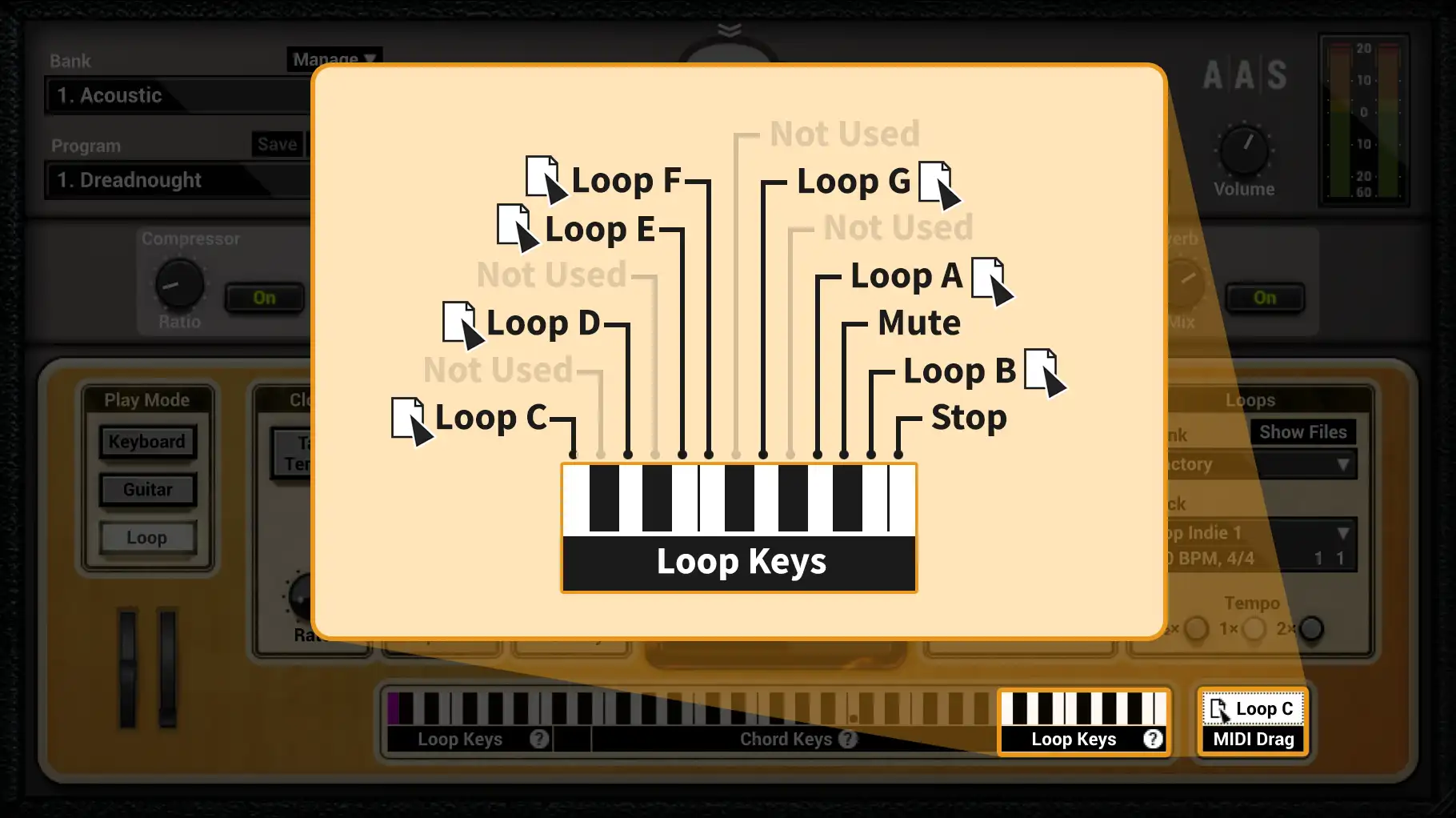
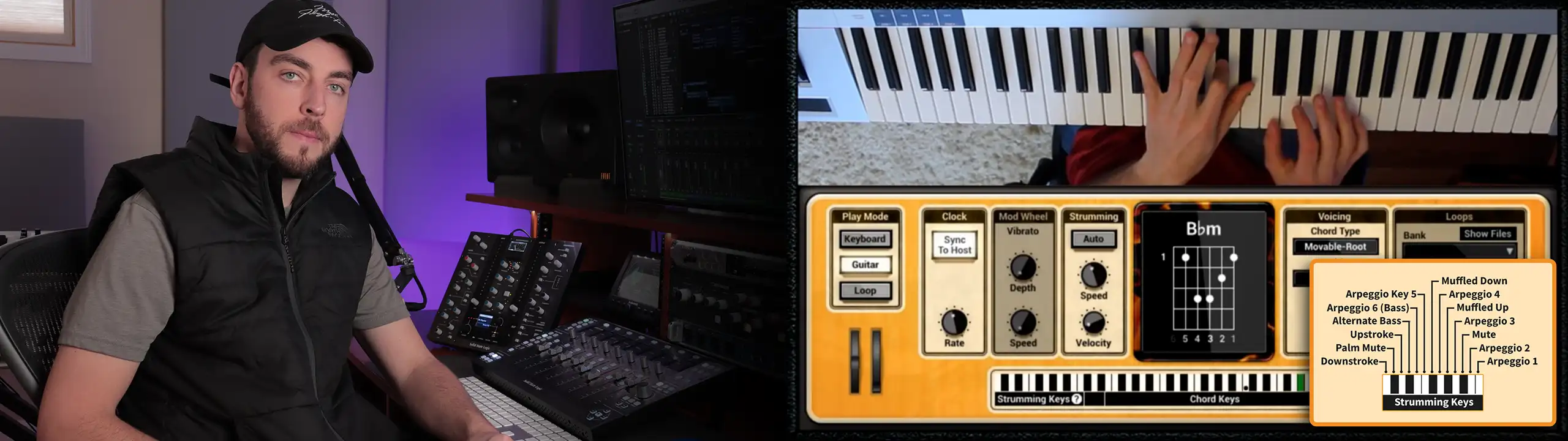
The strumming keys are from MIDI note 71 (B4) to 84 (C6). The lead and chord keys are from MIDI note 40 (E2) to 70 (A#4). Finally, the override keys are from MIDI note 0 (C-1) to 23 (B0). See the screenshot to see how it looks like in a host sequencer.

For a complete list of the override keys, please refer to Appendix B of the Strum Electric GS-1 manual. All the loops in Oh My Funkness! override the Strumming Speed with MIDI note 8 (G#-1), which is a fairly quick strum at 65%.

Strum Electric GS-1's Pre-Fx
 

Ableton Live MIDI note 0 is marked as C-2.

Using the loops

There are many ways to use the loops. Here are some to get you started.


Strum Electric GS-1's Loop Player

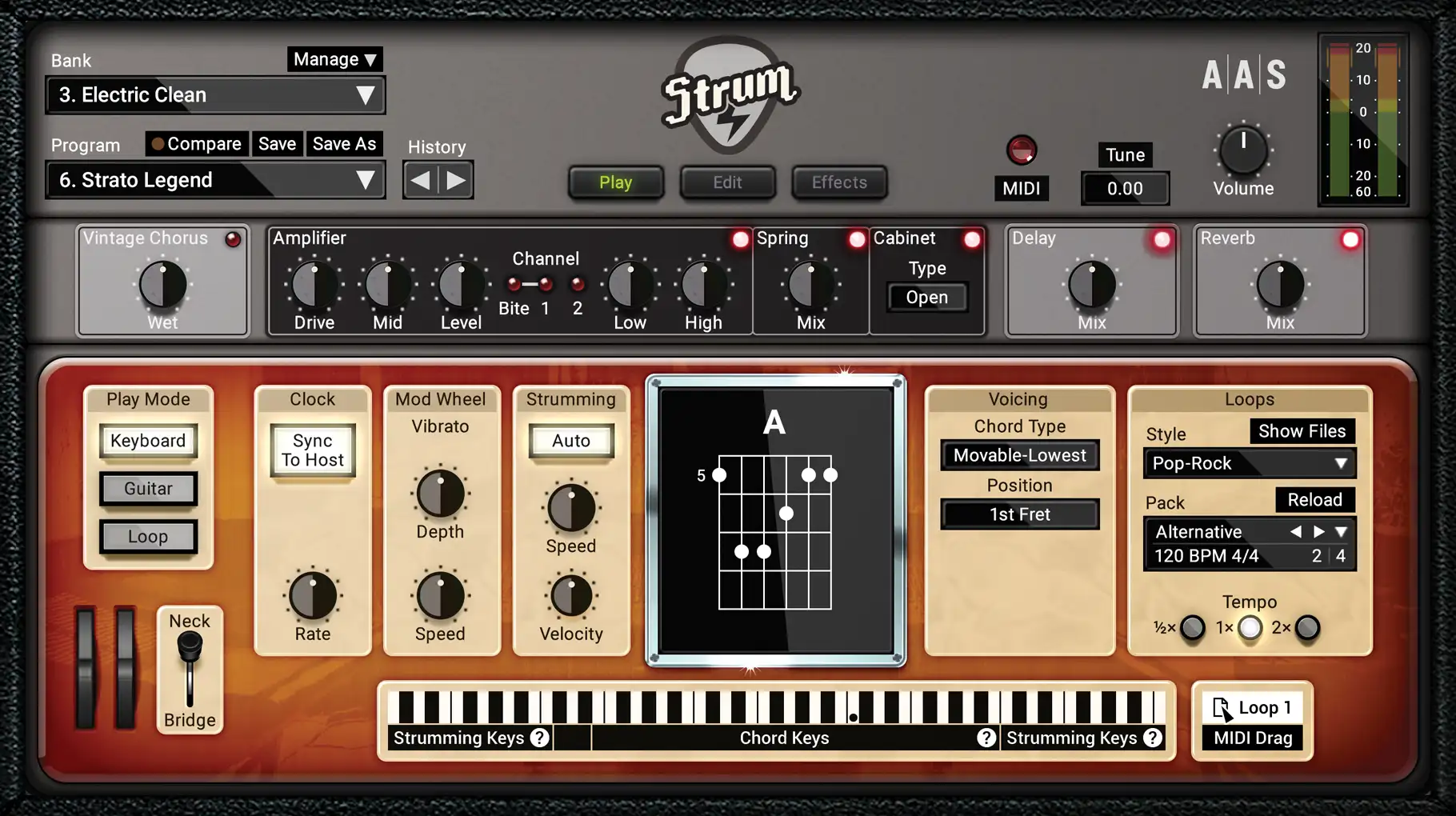
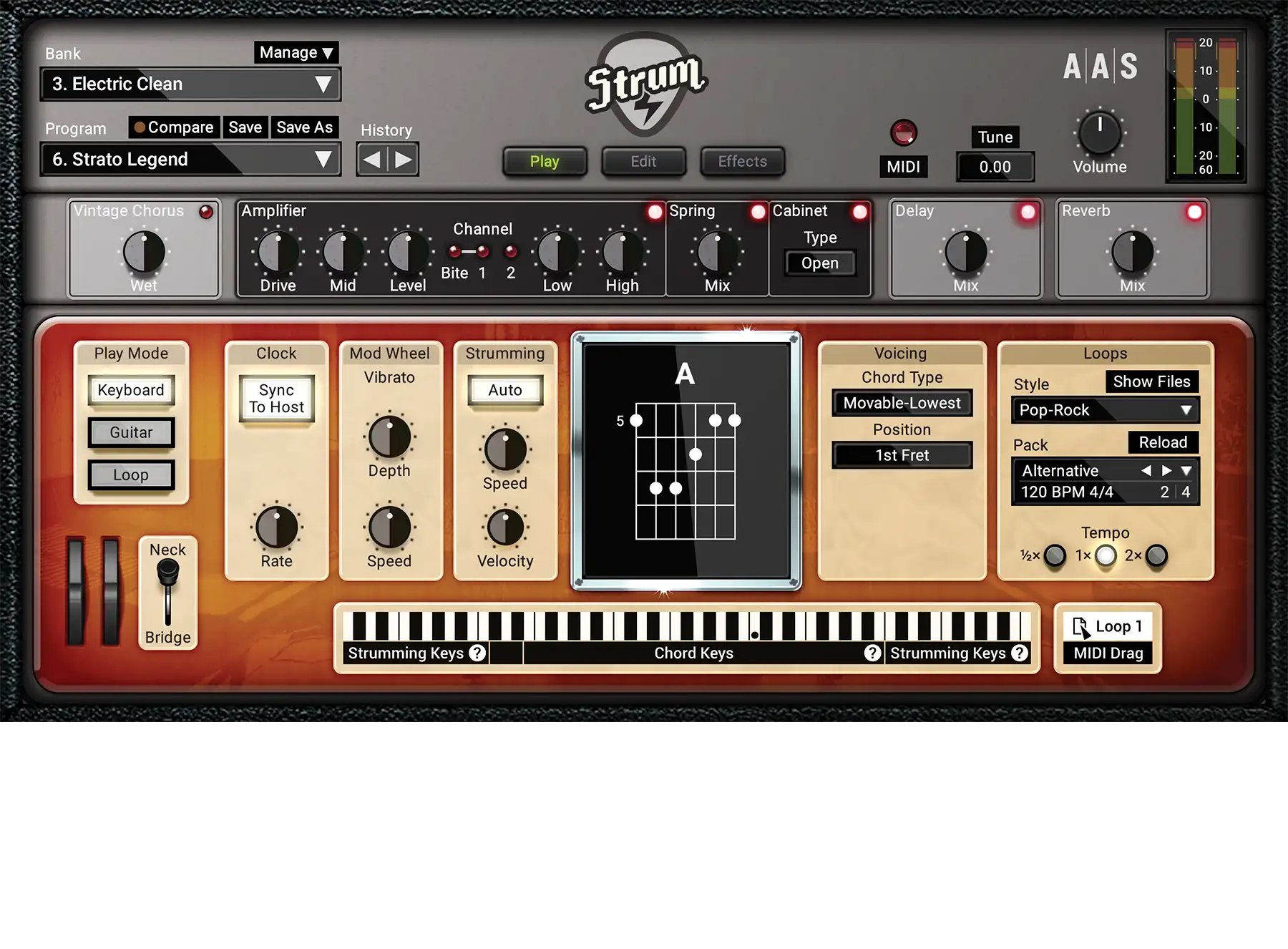
Strum Electric GS-1's Loop Player makes it easy to find inspiration fast. Load up a loop with the Chords suffix and hit the Play button for a preview. Click twice on the Forward button to skip to the next loop preview. Found a loop that you like? Hit the Forward button once to load the loop without the chords, and try it with your own chords.

In a host sequencer

When using Strum Electric GS-1 as a plug-in in your host sequencer, the Loop Player will automatically sync to your song's tempo so you can hear the loop in the context of your project. Once you've found a loop that you like, you can quickly integrate it to your project by simply dragging and dropping the Drag MIDI button from the Loop Player to a MIDI track in your host sequencer.

Some host sequencer allows multiple MIDI tracks to feed a single instrument. That can be useful if you want to keep the strumming and the chord progression separate. Or, if you already have your chord progression laid out, you can simply drop the No Chords loops on another MIDI track. Both will be combined by the sequencer, and Strum Electric GS-1 will play the complete performance.

Transposing a loop

It's important to understand that a loop can't simply be transposed with the facilities provided by your host sequencer. Indeed, transposing the whole loop would also move the strumming and override keys, making the loop unusable. Instead, you need to edit the loop and only select and move manually the chord part of the loop.

Particularities of the loops

The groove

You shall find that most of the loops of Oh My Funkness! have a groove. If that groove doesn't fit well with your piece and you want to apply your own, simply quantize at the sixteenth note first and then apply your own groove.

Using the second guitar parts

Some loops feature parts for a second guitar that can be played against the first guitar. Furthermore, it's quite possible that these second parts work well over more than one part of the first guitar, so experimentation is recommended.

Mixing two guitars

If your arrangement is playing two guitars at once, you may want to tweak them a bit to achieve good separation.

Panning the guitars out of center is a good first step. And it doesn't need to be extreme to work great. After that you can also work on the frequency content of each guitars, that where equalization comes in.

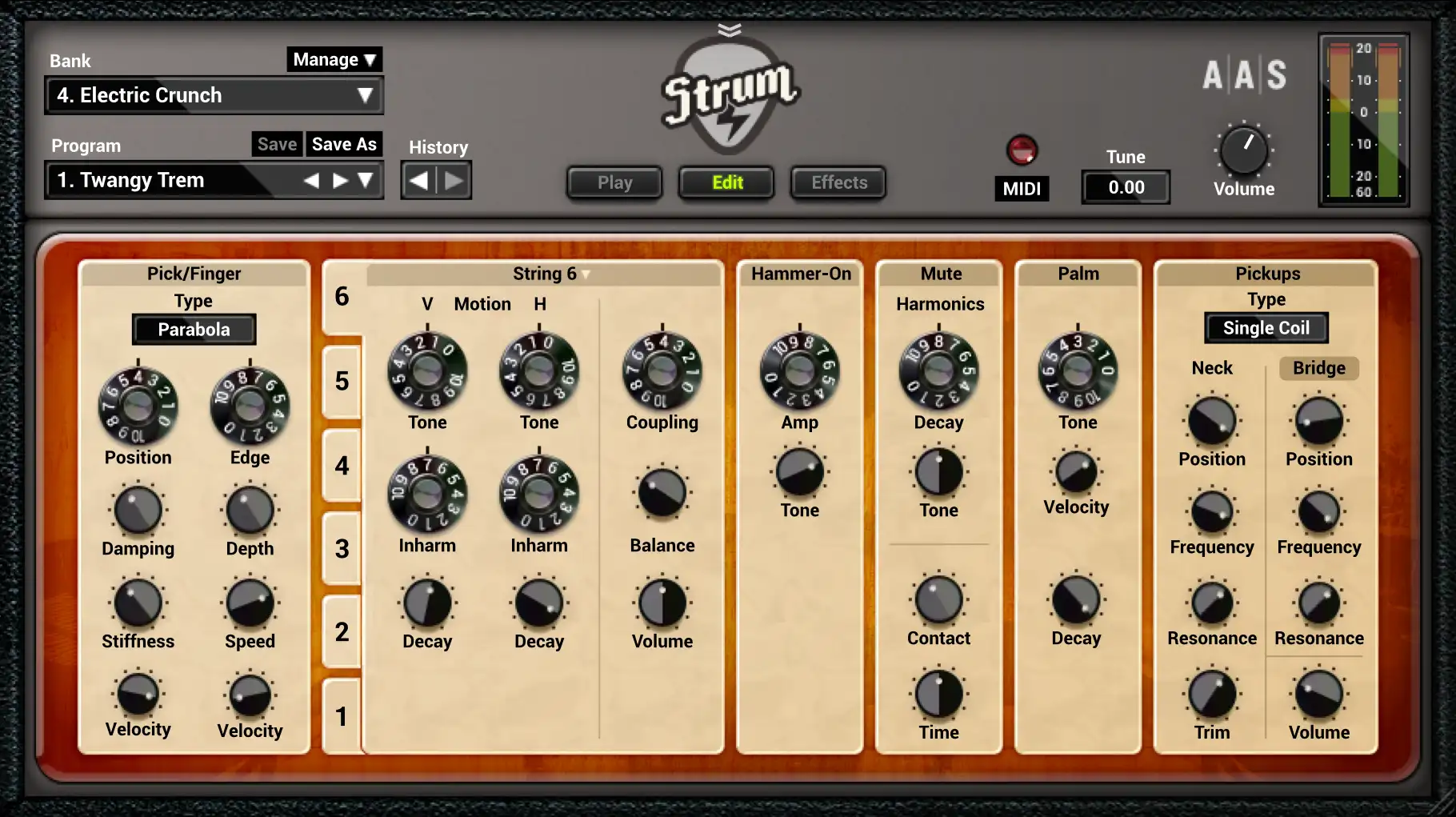
You can use two totally different guitars from the preset library. There are also simple tweaks that you can do to customize the sound: switch to the Bridge pickup for a brighter tone, switch to channel 2 on the Amplifier for distortion, increase Position or decrease Edge on the Pick/Fingers for a softer tone, increase Tone on the Strings for a more sustained metallic sound, fine-tune the Amplifier controls to suit your mix, switch to the Closed Cabinet on the Amplifier for a hermetic sound, and experiment with Pre and Post effects.

Strum Electric GS-1's Loop Player