

Main features
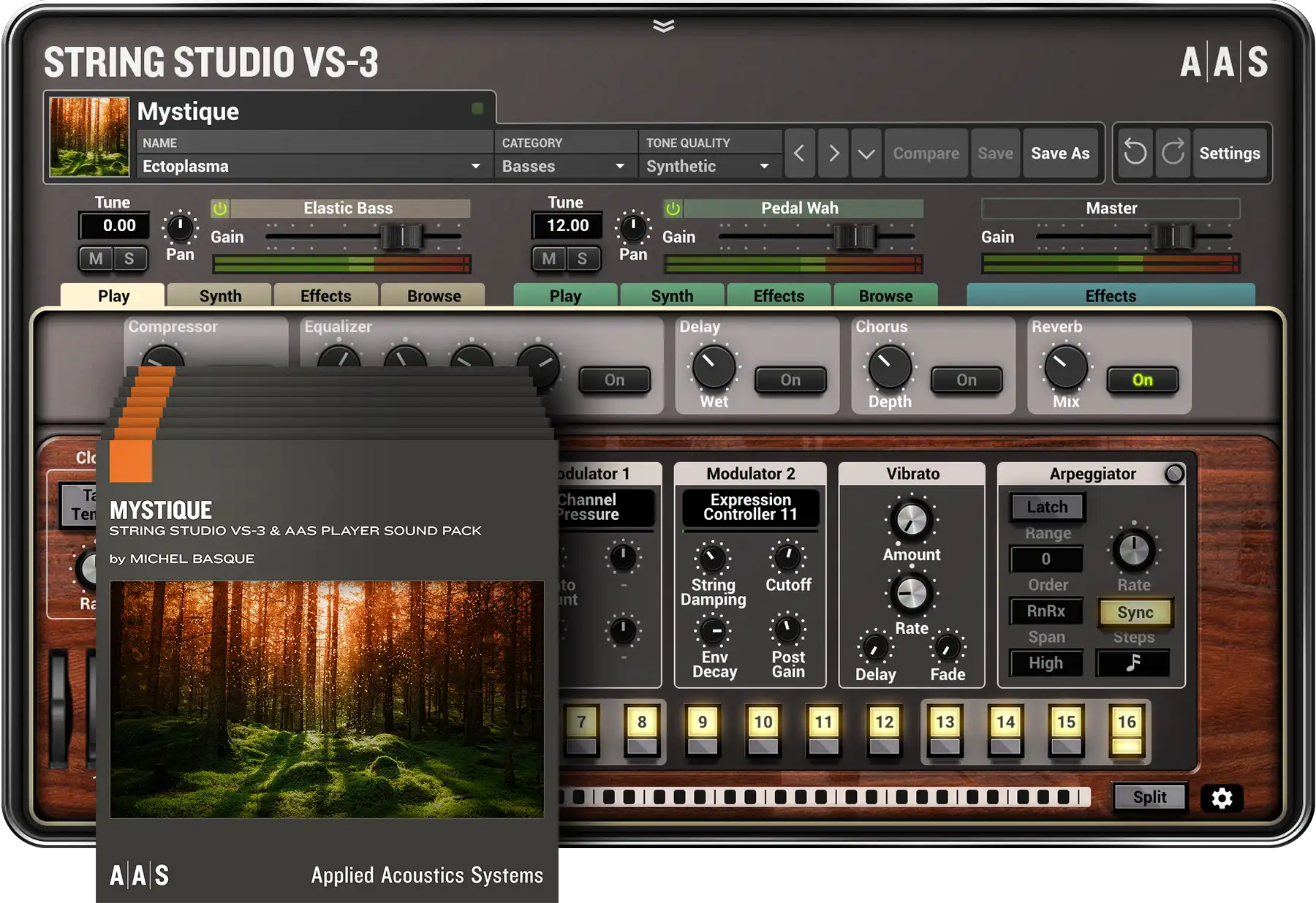
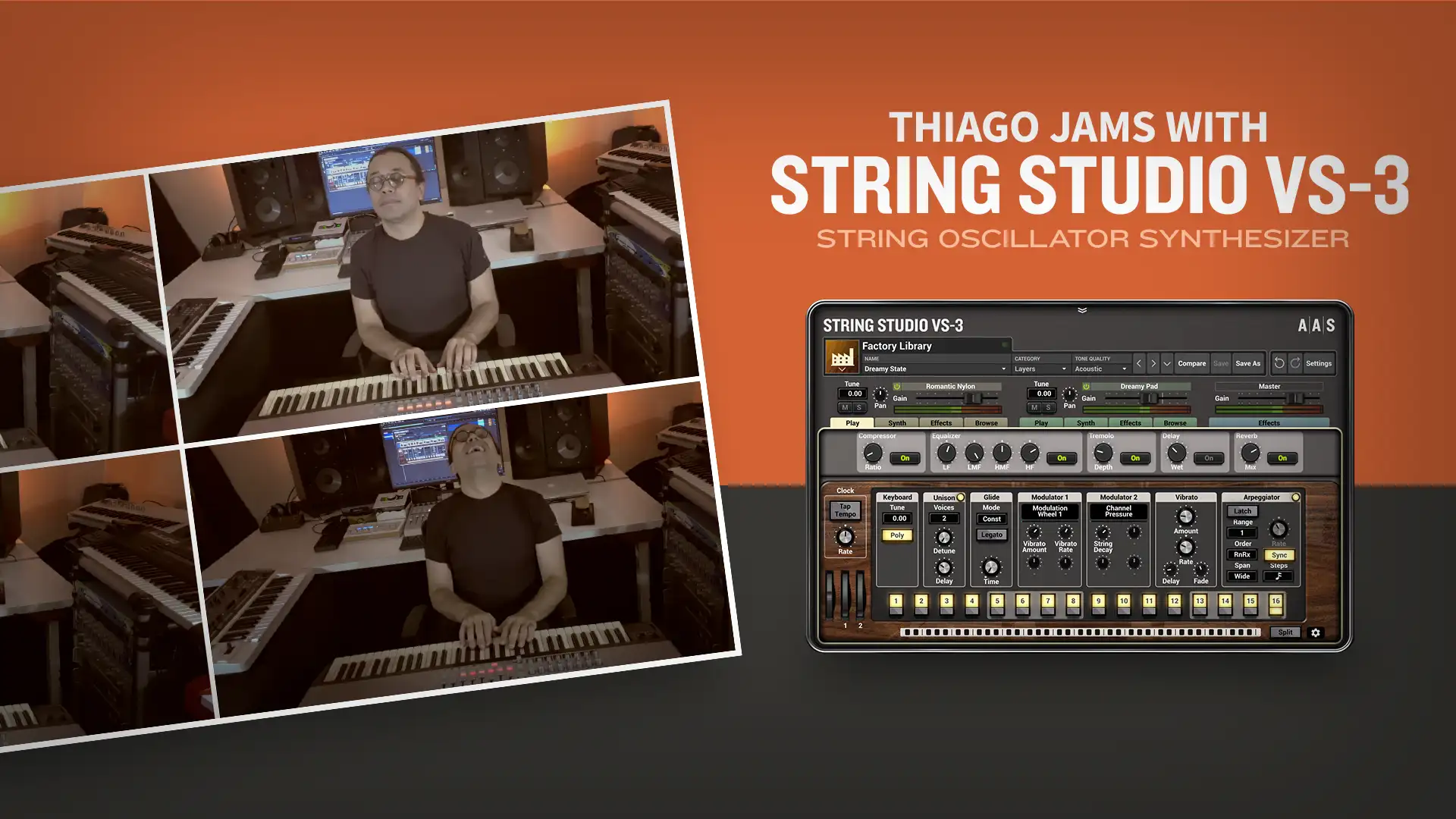
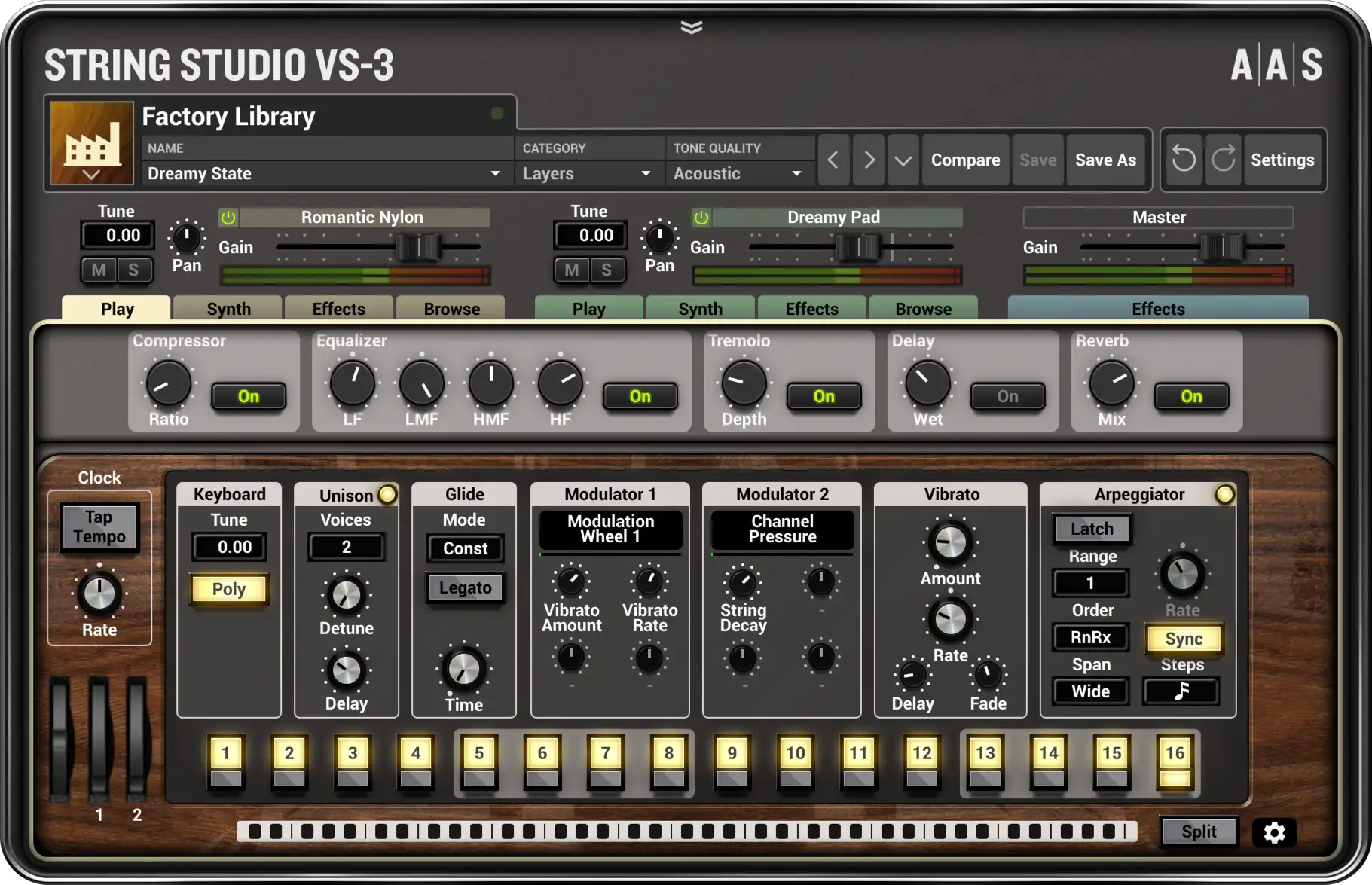
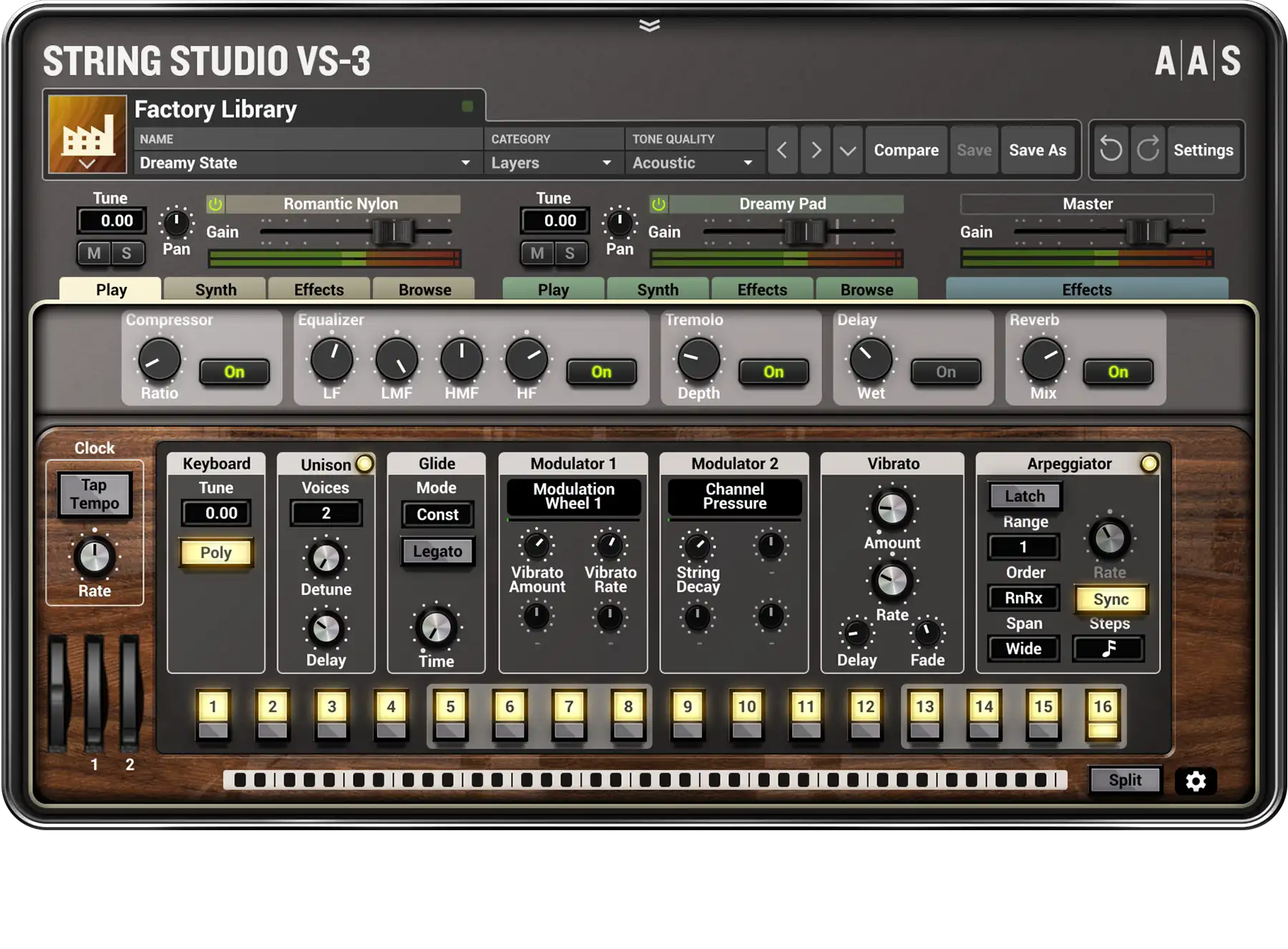
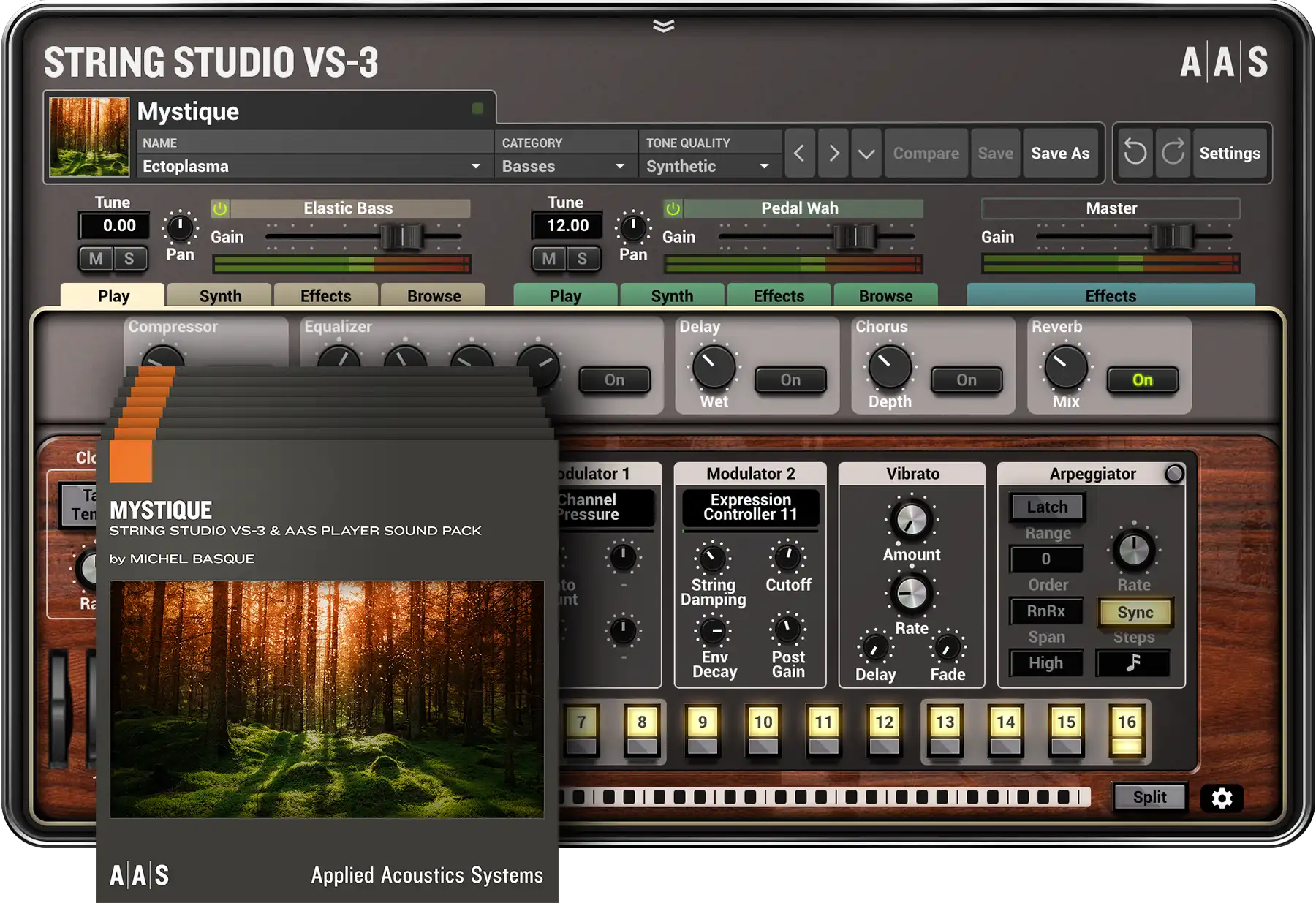
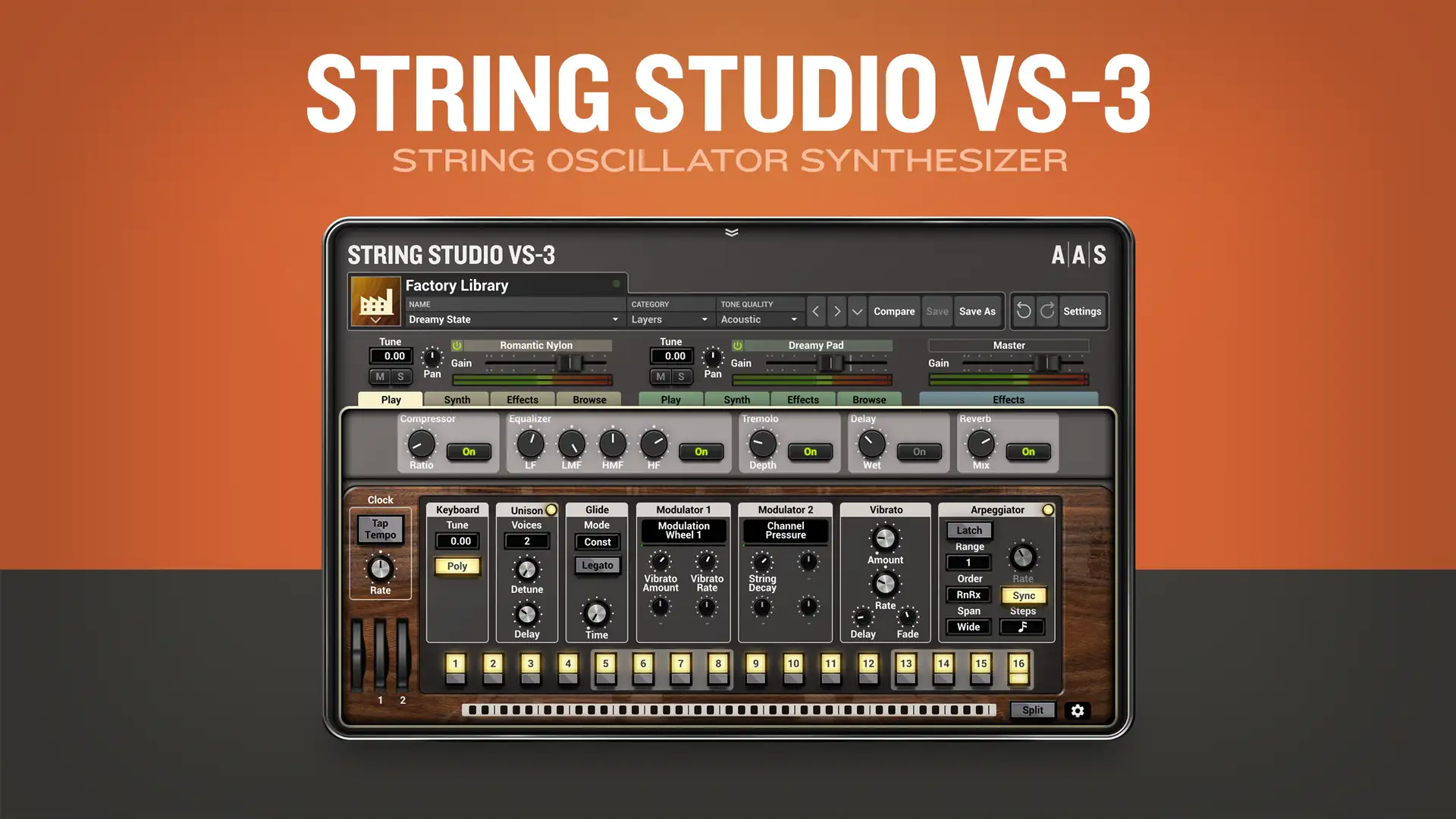
String Studio VS-3 is a multitimbral synthesizer in which unique string oscillators replace the traditional VCOs, DCOs, and operators as the main sound source. Consisting of picks, bows, and hammers interacting with a modelled string, these oscillators offer a special blend of modern and creative synthesis.
-
TWO-VOICE MULTITIMBRAL
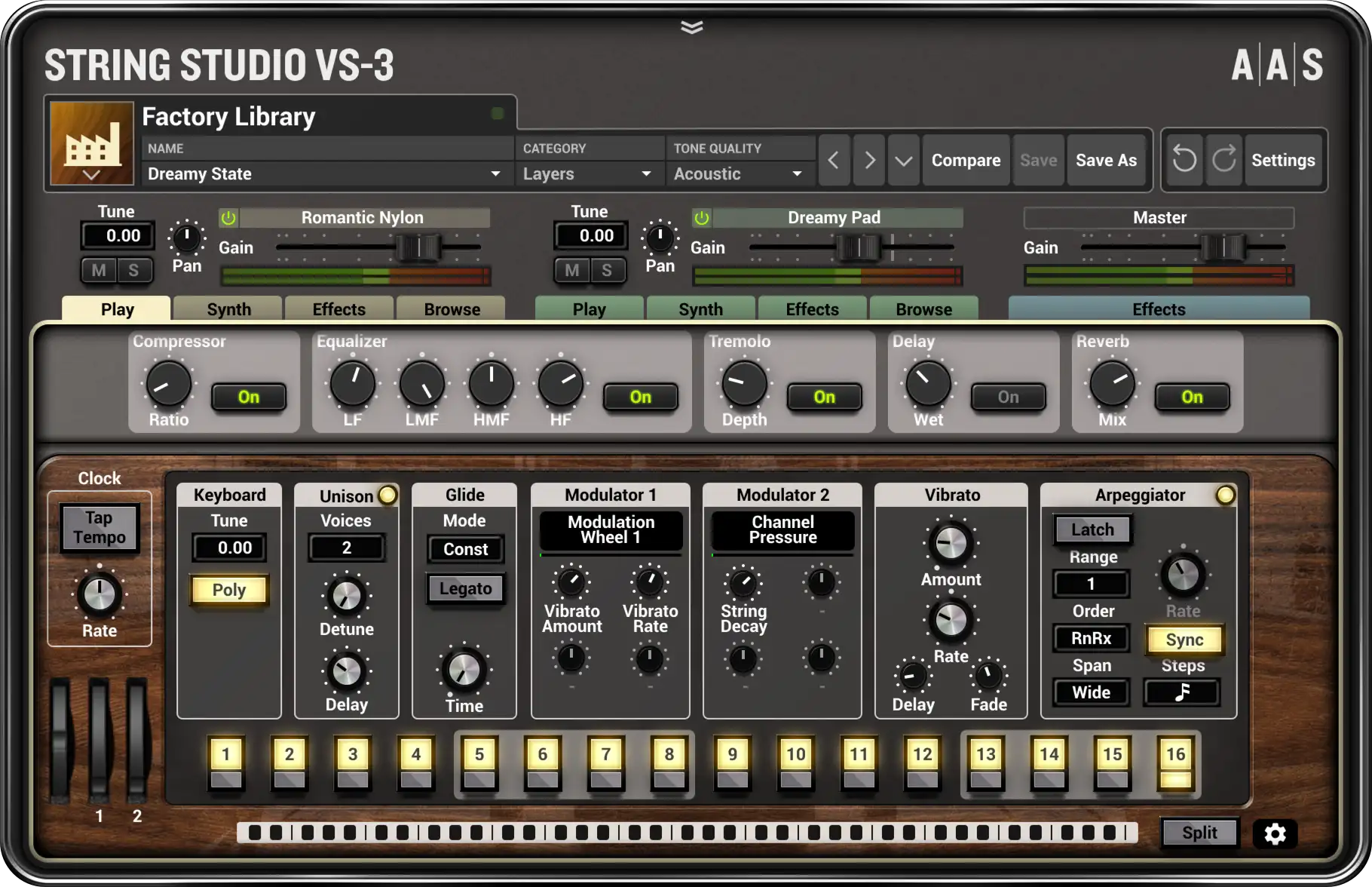
String Studio VS‑3 combines two independent timbres—either stacked or split—to create performance-friendly, texture-full, and spacious sounds that are sure to make a good impression.
-
CLASSIC ARCHITECTURE
Augmented with classic filters, enveloppe, LFO, soundboard, and studio-quality effects, String Studio VS‑3 offers a terrific balance between innovation and familiarity.
-
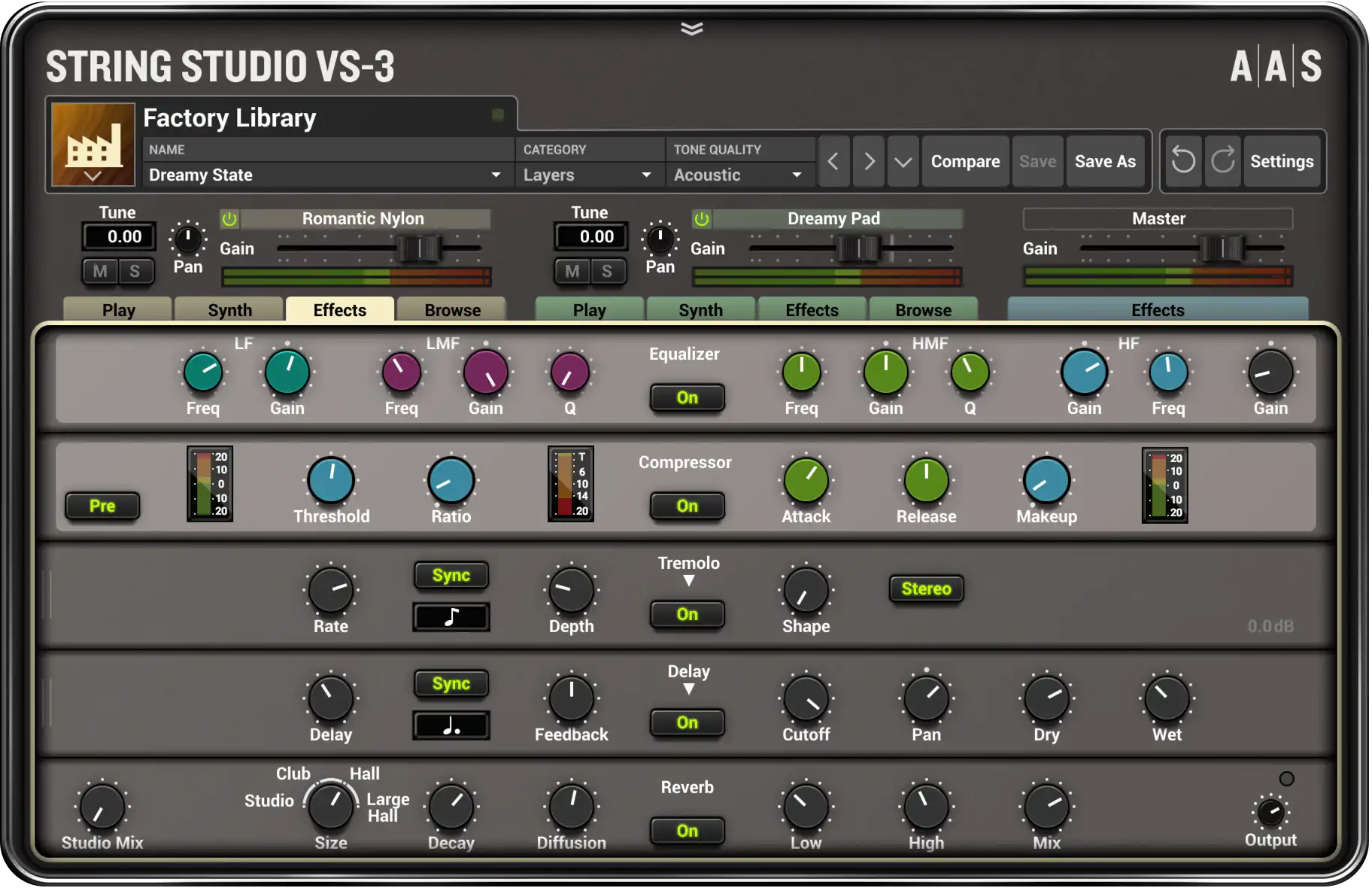
MULTI-EFFECTS GALORE
String Studio VS‑3 holds an abundance of effects in three independent racks. Reverb, delay, distortion, phaser, chorus, flanger, filters, equalizer, compressor, guitar amplifier, tremolo—all assist in putting the final touch on a sound.
-
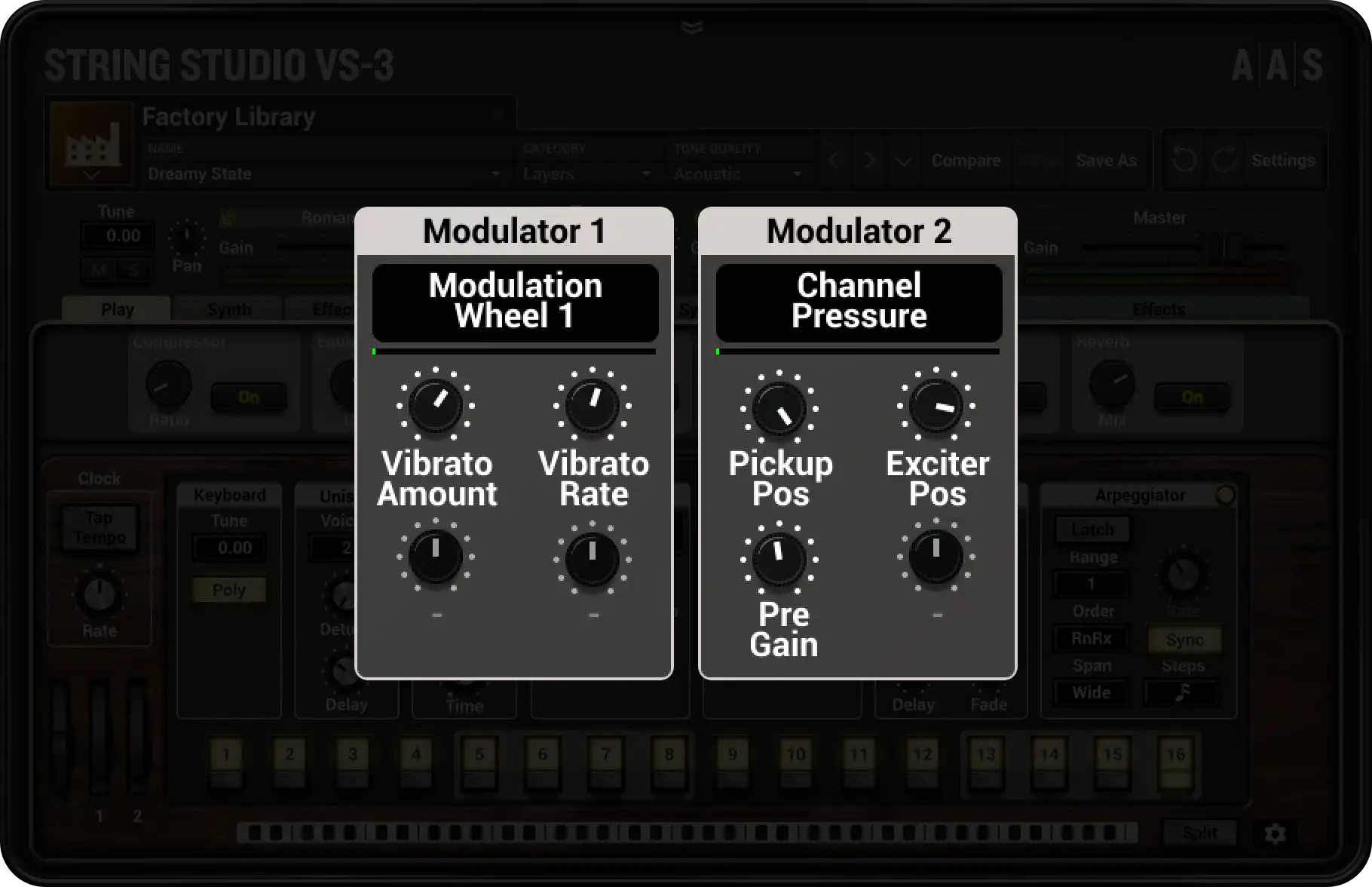
PER SOUND MIDI-CONTROLLED VARIATIONS
String Studio VS‑3 now boasts two performance modulators per layer that respond to user-defined MIDI controls. Each and every library sound features effect and morphing assignments that can be played in real time for enhanced expressivity and sonic dimension.